

DeployR Community
Next-generation OS deployment and bare-metal provisioning
- Deploy Windows from cloud or on-premises
- Implement scenarios for new computers, break/fix, malware recovery
- Replace Microsoft Deployment Toolkit (MDT) or other obsolete tools
- Extend via community contributions of scripts and sequence templates
DeployR Community
A free, community-supported MDT replacement for OS deployment and bare-metal provisioning
DeployR Community
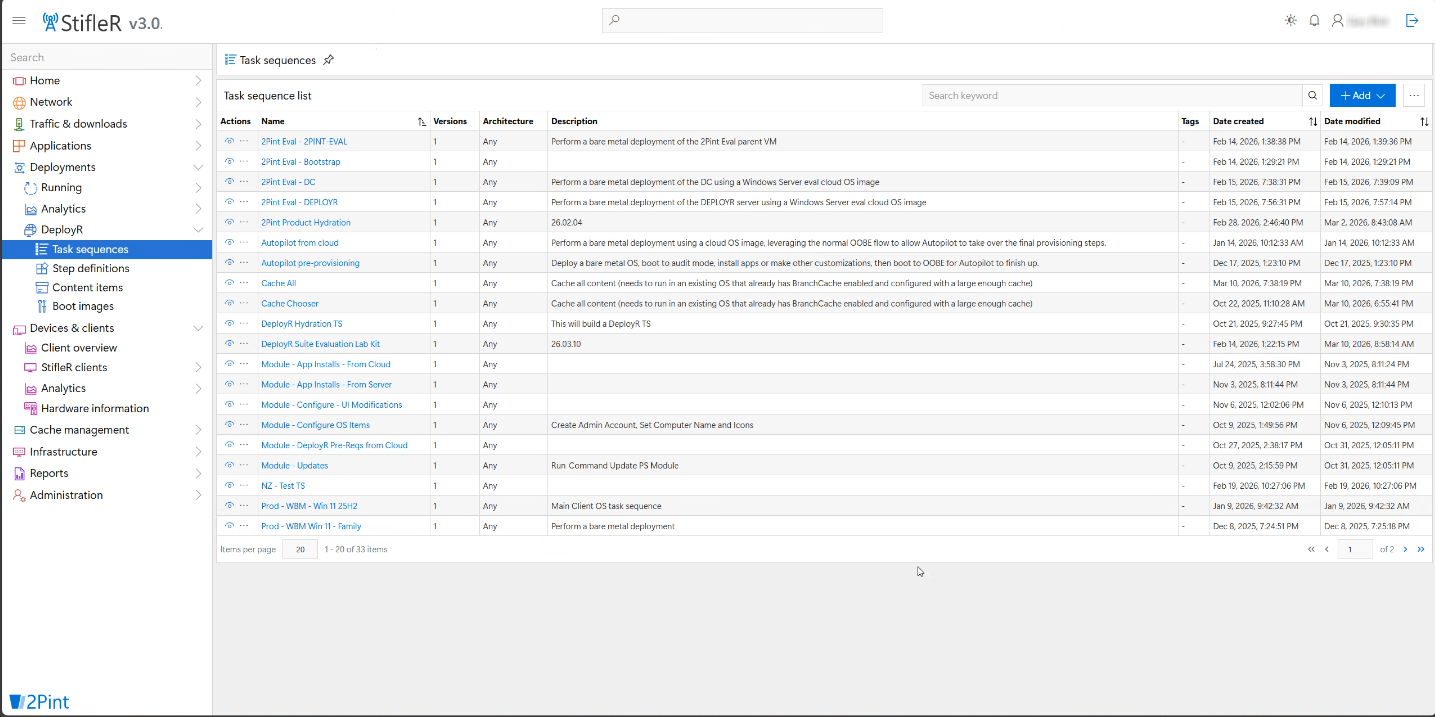
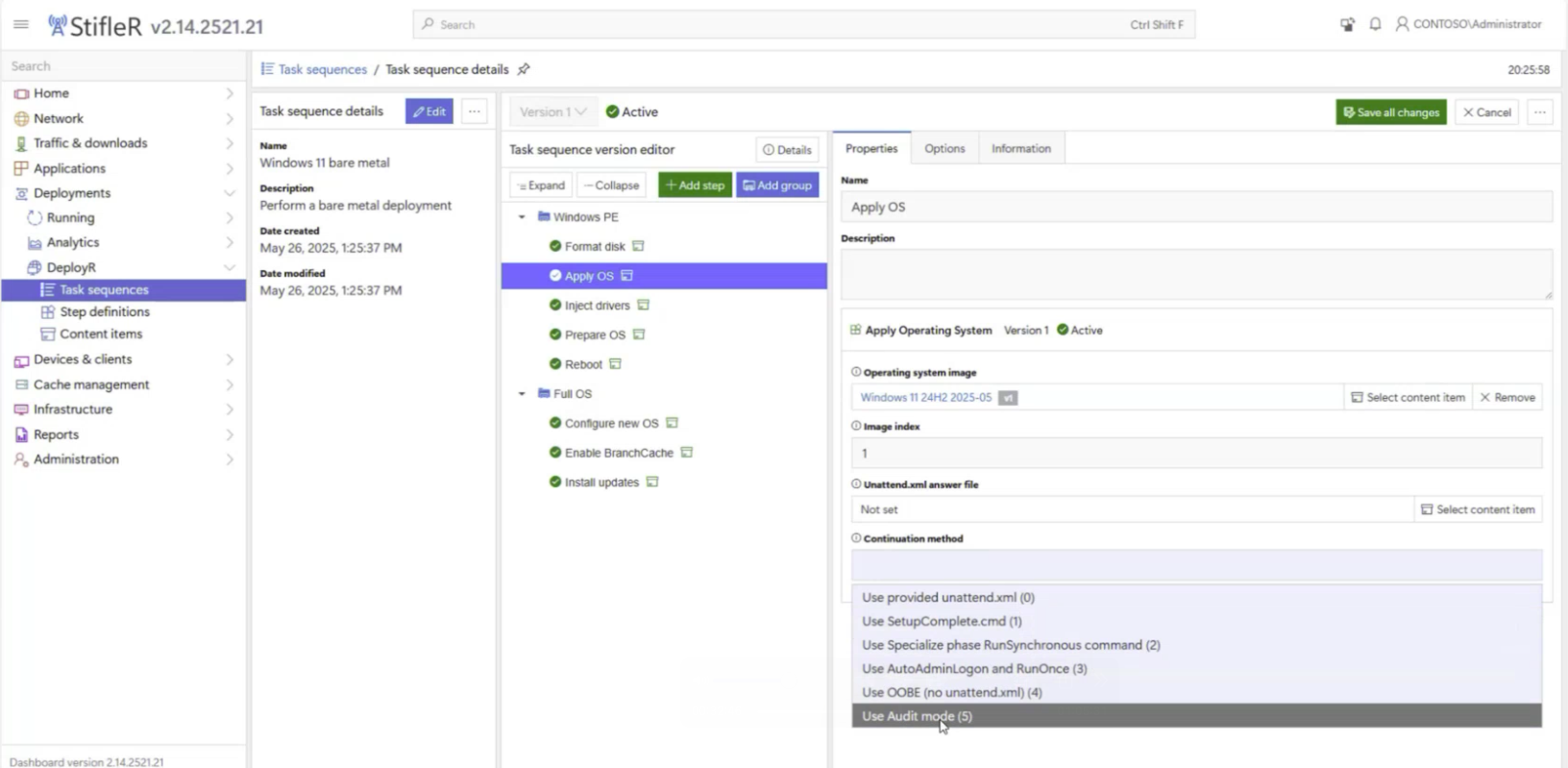
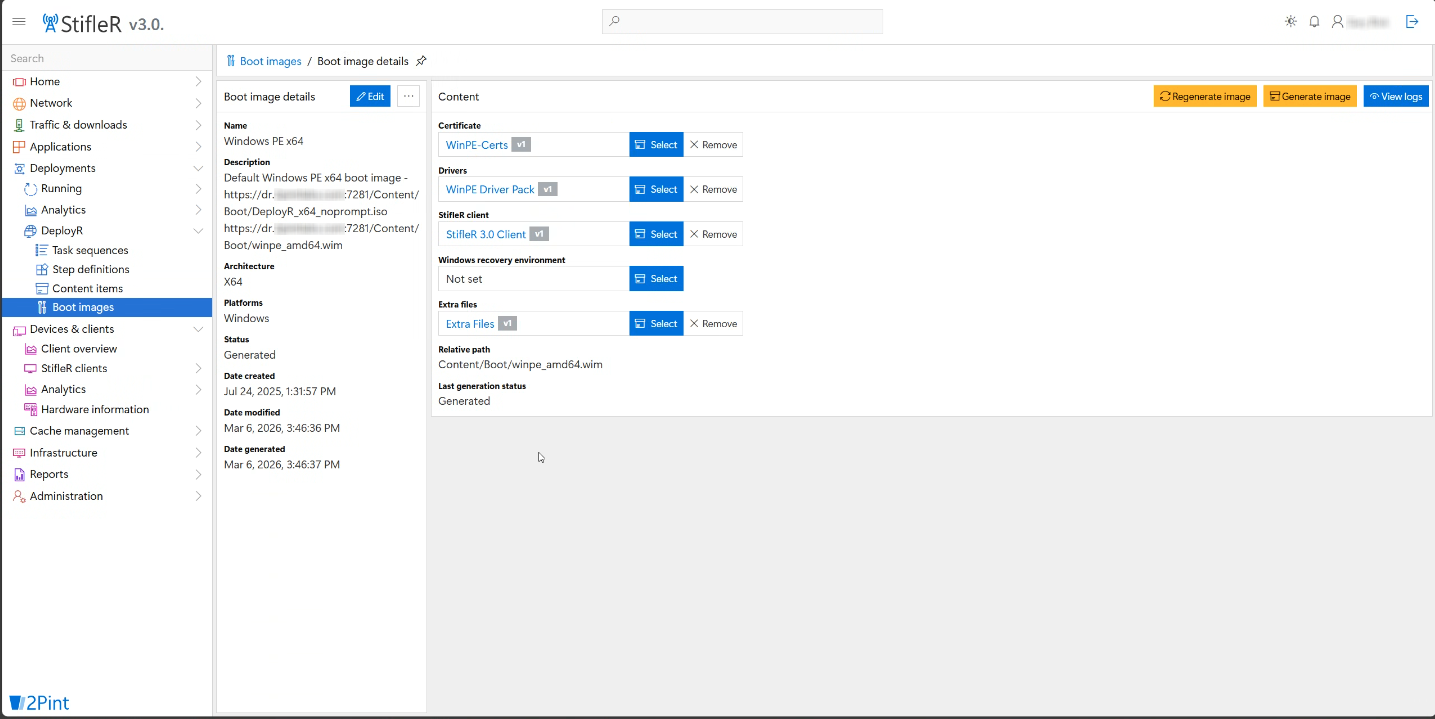
DeployR Community is a free bare-metal provisioning solution and task sequence engine built to simplify and modernize OS deployment. It is designed as an alternative to the Microsoft Deployment Toolkit (MDT) if you are looking for a community-supported solution.
Delivering faster, easier, and more flexible OS deployments through a simplified UI.
- Community support through Reddit
- User-initiated task sequence (LTI)
- Built-in PXE capabilities
- USB support (offline or boot media)
- Manual driver management
Operating systems tested for deployment via DeployR
| Operating system | DeployR Enterprise | DeployR Community |
|---|---|---|
| Windows 10 | Supported | Supported |
| Windows 11 | Supported | Supported |
| Windows Server 2022 | Supported | Supported |
| Windows Server 2025 | Supported | Supported |
| Linux Ubuntu | Supported | Not supported |
| Linux Fedora | Supported | Not supported |
| Red Hat Linux RHEL | Supported | Not supported |
| IGEL OS 12 | Supported | Not supported |
| Google ChromeOS Flex | Supported | Not supported |
Upgrade to DeployR Enterprise including support from experts at 2Pint Software.
Our sales team will be happy to provide a Quote.

Get started with DeployR Community
Want to get DeployR Community set up in your environment but not sure where to start? We've got lots of great resources for you:
- Watch the DeployR installation video series
- Go through our online documentation for instructions on prerequisites, installation, updating, and getting started
- Check our DeployR webinar recordings
- Search our knowledge base
- Join the conversation at r/DeployR
- Download and install a trial version to test for 30 days.
DeployR Community vs MDT
✅ Fully supported
🎗️ Limited support
❌ Not provided / supported
| Feature | DeployR Community | MDT |
|---|---|---|
| 2Pint Software support | ❌ | ❌ |
| Community support | ✅ | ✅ |
| User initiated task sequence (LTI) | ✅ | ✅ |
| USB support (offline media or boot media) | ✅ | ✅ |
| Manual driver management | ✅ | ✅ |
| Automatic OEM driver management | ✅ | ❌ |
| ARM64 support | ✅ | ❌ |
| User/technician driven installation menu management (UDI) | 🎗️ | 🎗️ |
| Built-in PXE capabilities | 🎗️ | ❌ |
| Device role/application role management | ❌ | 🎗️ |