
BranchCache peer-to-peer caching
BranchCache is built into Windows and can take most of your content traffic off the WAN. Making it work well in a real network is difficult. We've been doing it for more than a decade.
The most underused network tool you already own
Every Windows Server and Windows Enterprise device you own already includes BranchCache. It's peer-to-peer caching technology that lets devices share content they've already downloaded, so the same files don't cross the WAN again and again. Used well, BranchCache can replace remote distribution points, shrink update traffic and speed up OS deployment. Left on its default settings, it often does very little.
This page answers the questions IT administrators ask us most often about BranchCache. We'll explain what it is, how your network can benefit from it, and why it's harder to optimize than you might think.
What is BranchCache?
BranchCache is a WAN bandwidth optimization technology that Microsoft introduced with Windows 7 and Windows Server 2008 R2. It was designed for branch offices connected to a head office or data center over slow, expensive links.
When a device downloads content from a BranchCache-enabled server, it keeps a copy in a local cache. The next device that needs the same content retrieves it from that peer over the LAN. Only content that no one nearby has goes over the WAN. (Want a layperson's explanation in the form of a story? Read 2Pint P2P Value Told as a Story.
BranchCache works with HTTP/HTTPS, SMB and BITS, which covers Configuration Manager, WSUS, IIS web content, file shares and more. Windows Enterprise and Education editions support all of these protocols. Pro editions support BranchCache for BITS transfers only.

How does BranchCache work?
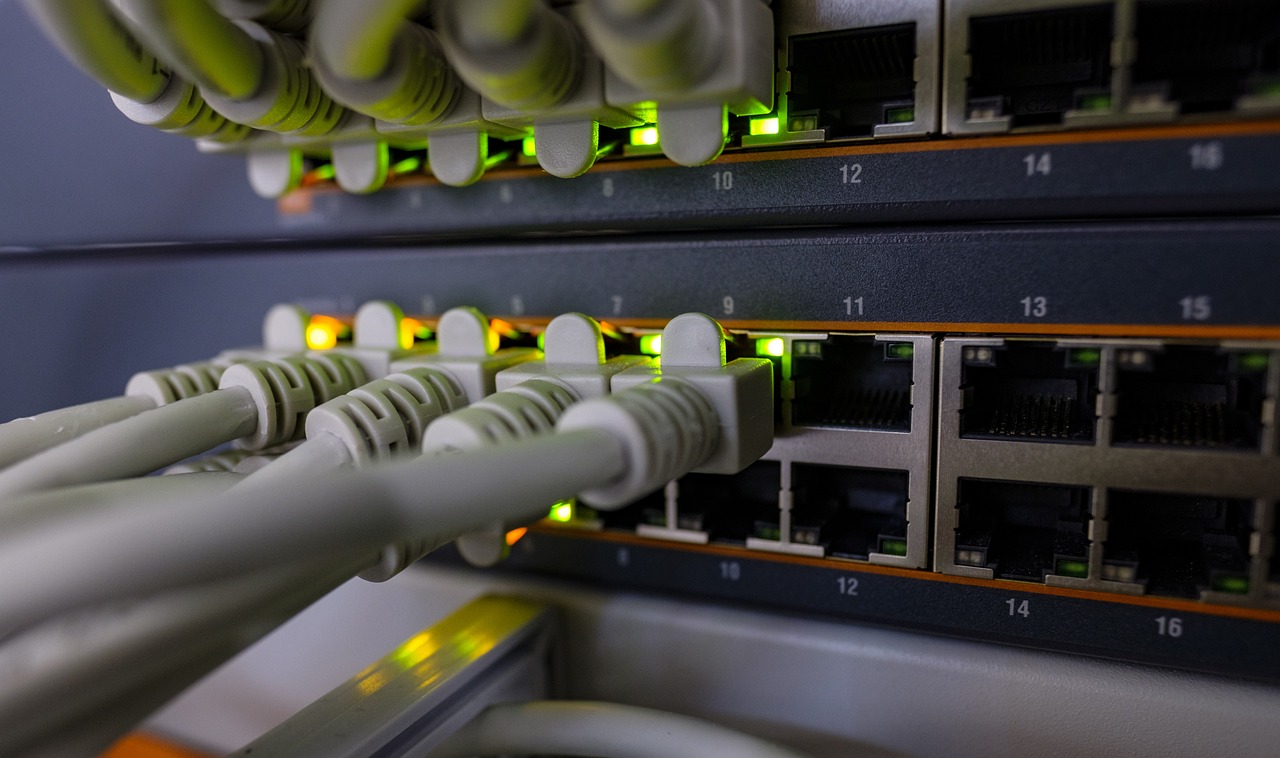
The content server splits each file into segments and blocks and calculates a hash for each block. A client first receives these hashes. It then checks its own cache, then asks its local peers, and requests from the server only the blocks that no one nearby has. Every block is checked against its hash and encrypted in transit, so a peer cannot serve tampered content.
BranchCache runs in one of two modes. In distributed cache mode, clients find each other with small multicast messages on the local subnet, so no local server is needed. In hosted cache mode, clients use a designated server in the office as their shared cache.
What are the benefits of BranchCache?
Since Windows 8 and Windows Server 2012, BranchCache has used the same chunking algorithm as Windows Server data deduplication. Devices share unique blocks rather than whole files. When a package is updated, or when two driver packs contain the same files, clients transfer only the blocks they don't already have.
- Fewer servers: you can often retire remote distribution points and branch-office file servers.
- Less WAN traffic: content crosses the WAN once per location, not once per device.
- Faster delivery: a peer on the same LAN is usually much faster than a distant server.
- Efficient updates: block-level deduplication means that only changed blocks are transferred.
- Built in and secure: BranchCache is part of Windows, with encrypted, hash-verified transfers and no third-party cache format.
If BranchCache offers all this, why don't more organizations configure it for the full benefit? Mainly because it can be complicated to set up and optimize for your network.

Why is BranchCache so hard to get right?
BranchCache is a Windows component, not a product. It has no console and little built-in reporting. Its settings are spread across Group Policy, the registry, netsh, PowerShell and your systems management tools, and many of them interact in ways that aren't fully documented. BranchCache also depends on the network behaving as expected, so a single switch setting or firewall rule can disrupt peering without any warning.
What makes BranchCache complex in a real network?
When a BranchCache deployment underperforms, the cause is almost always in one or more of these areas:
-
Configuration
Cache location and size, the service, firewall rules, ports, hash versions, server secrets and client policies all have to match across clients and servers. The defaults are conservative. For example, the client cache is limited to 5% of the disk. Read our BranchCache guide for recommendations.
Hash generation
Without a hash, there is no peering. Content servers must generate hashes before peers can share content, and heavy load or security software can stop that without anyone noticing. Keeping your distribution points healthy is critical.
Network awareness
Distributed mode depends on multicast discovery, which stops at the subnet boundary. Some Wi-Fi and security setups block it, VPN users shouldn't peer with each other, and switch storm control can shut ports when a large subnet starts sharing. Our blogs on planning for BranchCache and BranchCache and Cisco traffic storm control cover these issues.
Location awareness
BranchCache has no concept of a site. An office with ten subnets has ten separate groups of peers, and nothing stops every one of them from downloading the same content over the WAN at once.
Content awareness
How you package content matters. By default, files under 64 KB are ignored. Packages full of small files defeat flash-crowd detection, and your choice of compression format changes how much deduplication you get. Our 12 BranchCache tips and blog on picking the right compression algorithm explain how to package content.
Peer management
Laptops leave the office and new builds get shipped out. A little-known response limit can also mark cached content as "not peerable" even when it sits on a device that could share it. Read about RepubQuorumSize to avoid this issue.
Bandwidth control
BranchCache reduces how much content crosses the WAN, but it doesn't throttle what remains. Without separate bandwidth management, the first download at each location can still saturate a small link.
Visibility
By default, it is hard to tell whether BranchCache is working at all. The cache is encrypted, so you can't just look inside it.
None of this makes BranchCache a bad technology. But it is a technology that rewards deep expertise. Read more about the challenges in our whitepaper: Navigating the Wild West frontier of peerable content.

Built on BranchCache
2Pint Software was built on BranchCache. The deduplication capability added in Windows 8 was quite literally the reason Andreas and Phil founded the company.
Since 2014, our engineers have tested, troubleshot and extended BranchCache in enterprise environments – and shared what they learned.
We've pushed BranchCache further than anyone

Finding the fixes no one documented
Many of the most important BranchCache settings don't appear in Microsoft's documentation. Our engineers have found many of them in customer environments.
- We traced cached content that would not peer to an undocumented registry key, RepubQuorumSize. The fix came out of a support case escalated to the development team, with network traces and database dumps.
- We showed why BranchCache-enabled distribution points stop generating hashes and how to monitor for it.
- After a months-long investigation we uncovered a Configuration Manager bug in which Enhanced HTTP degraded BranchCache.
- We took questions the documentation couldn't answer straight to Microsoft's BranchCache developers, from hash size limits to how cache auto-shrink really works.

Taking BranchCache where it was never designed to go
Microsoft built BranchCache for a running Windows desktop. We extended it to earlier stages of the device lifecycle and to new scenarios.
- We added BITS and BranchCache to Windows PE so OS deployments can peer. We then added Turbo mode to push past the usual per-device speed ceiling of BranchCache downloads.
- A hybrid of fast USB keys and BranchCache supports high-volume sequential builds, where no peers are left to share with.
- Work on BranchCache support in iPXE began in 2015, so boot images can come from local peers.
- BranchCache also works with the Task Sequence HTTP downloader, and remote distribution points can be turned into hosted cache servers, so you no longer need to distribute content to them.

Measuring what really works – and sharing what we learn
We test BranchCache in the lab and in the field, then publish the numbers and share the tools.
- Johan Arwidmark tested seven compression formats on 32 GB of driver packs to find which get the most out of BranchCache deduplication.
- Andreas explained hashing and caching and multicast discovery to show how BranchCache behaves under the hood.
- Mike Terrill replaced a third-party peer-to-peer product with BranchCache and LEDBAT and saw 10–30% network efficiency improvements right away.
- For a customer with more than 3,000 subnets, Johan automated BranchCache discovery testing across every subnet.
- BCMon shows BranchCache activity in real time, sends discovery probes, verifies hashes on distribution points, and resets content marked "not peerable".
- Our BranchCache repository on GitHub includes a Configuration Manager configuration item to enable and tune BranchCache, scripts to verify BranchCache flags, test package builders, and troubleshooting tools.

Our BranchCache expertise is built into our products. You get the full benefit – and our experience – without becoming a BranchCache expert yourself.
StifleR: BranchCache with network awareness
StifleR works on top of BranchCache and Delivery Optimization. It adds what Windows lacks: awareness of your networks and locations, bandwidth control and real-time visibility.
- Network discovery and templates group subnets into locations and apply the right BranchCache and Delivery Optimization settings for LAN, Wi-Fi, VPN and home connections.
- On each subnet, one Red Leader downloads over the WAN while its peers throttle back and share locally. The role moves automatically to the best candidate.
- Blue Leaders extend BranchCache peering across the subnets in a location, so a multi-subnet office acts as one.
- Green Leaders are clients manually designated to function as a hosted cache server.
- WAN bandwidth is shared among active subnets and throttled to match network conditions, so peering never crowds out business traffic.
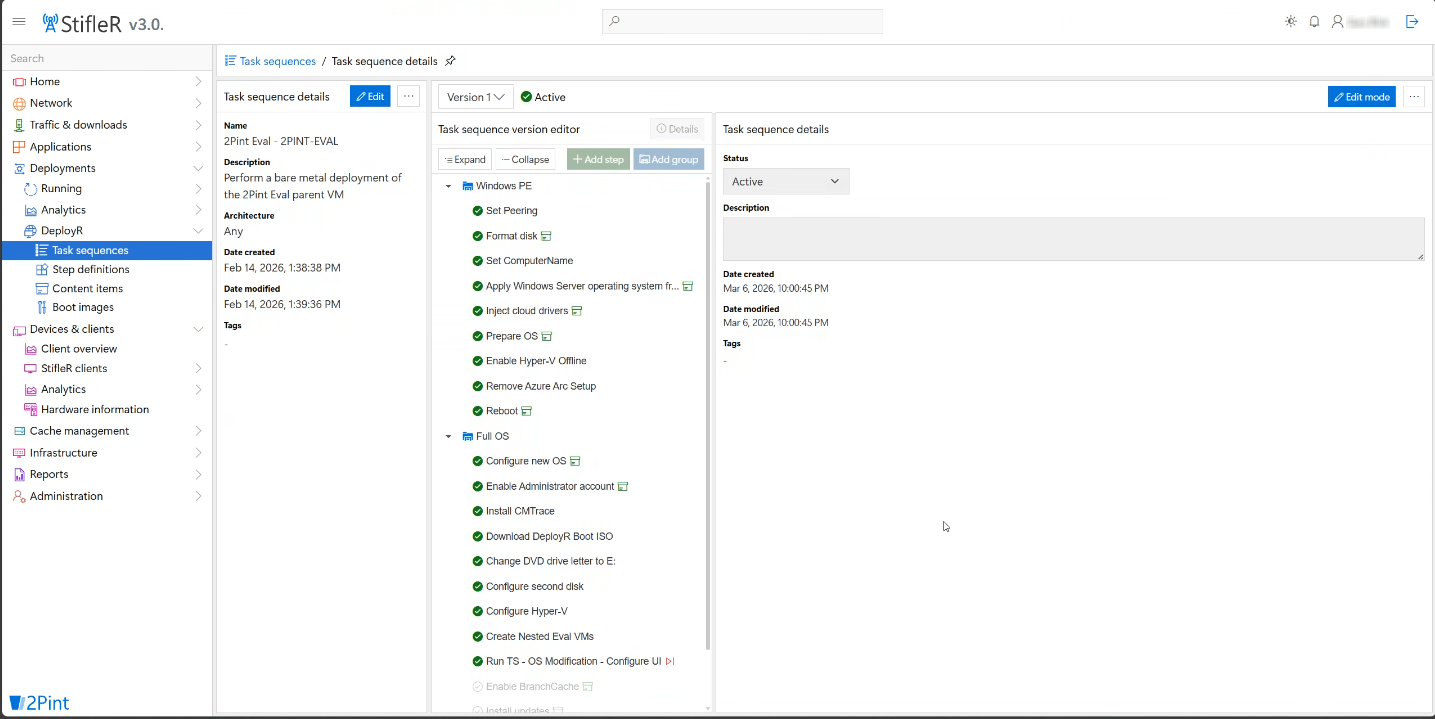
- StifleR clients test whether each network supports BranchCache discovery, and dashboards show in real time where content comes from.
DeployR: peer-to-peer from the first boot
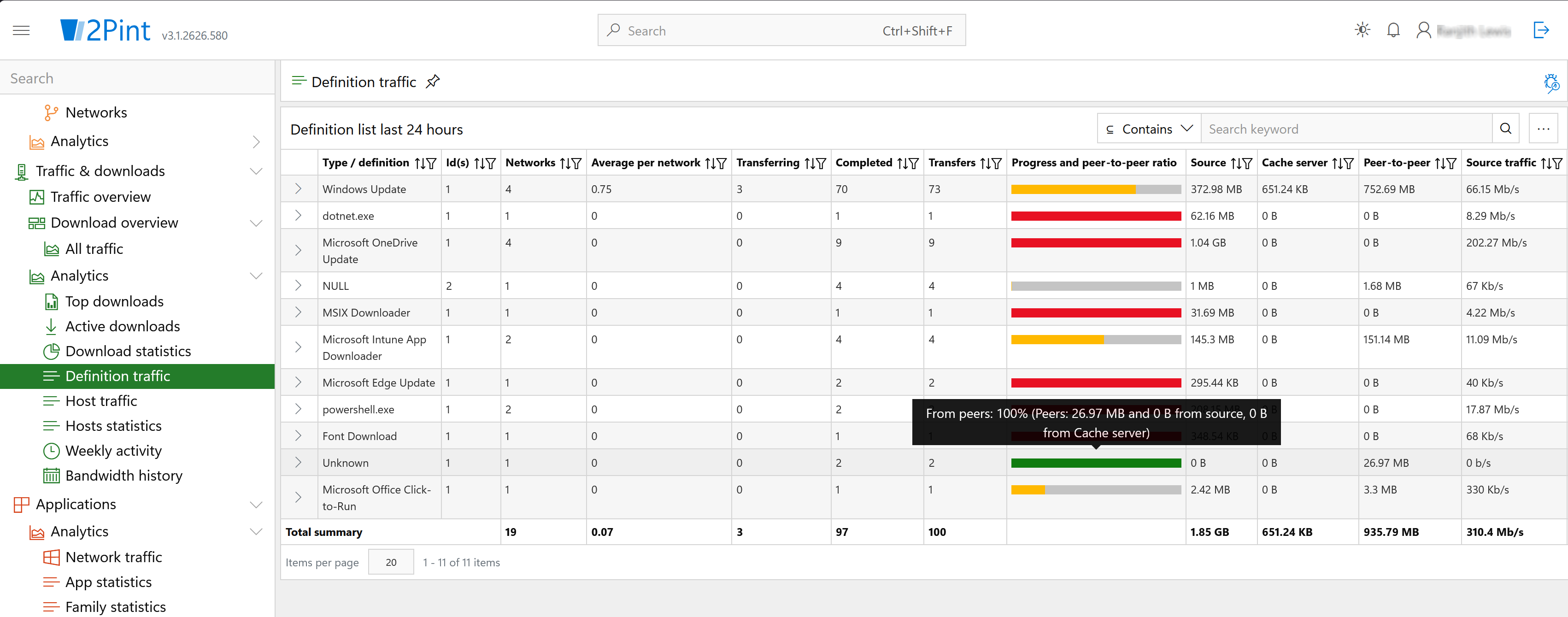
DeployR, our next-generation OS deployment platform, uses BranchCache by default. Apart from installing the BranchCache feature on the DeployR server, no extra setup is needed.
- Devices that are already deployed share content with new devices being imaged, whether that content is on-premises or in the cloud.
- Content is automatically converted to WIM files, so it peers more efficiently.
- With iPXE Anywhere, nearby clients can supply the Windows PE boot image.
- With MOM, content from the internet, such as OS images from Windows Update and OEM driver packs, can be peered too.
- Add StifleR for full content management and bandwidth control.
More BranchCache capabilities across the platform
CacheR
- The BranchCache cache is encrypted, so CacheR asks each client whether it holds specific content. It tracks where business-critical content is cached and automates pre-caching.
MOM (Metadata Optimization Manager)
- Calculates BranchCache hashes as content arrives, so downloads from the internet and CDNs, such as browser and app updates, can be peered.
iPXE Anywhere
- Network boot from anywhere, with boot content cached and delivered by local peers.
OSD Toolkit
- Adds BITS and BranchCache to Windows PE for Configuration Manager task sequences.
- Turbo mode and USB-assisted builds speed up high-volume and sequential deployments.
Solution summary

Get the full value from the BranchCache you already own
Peering and bandwidth control that recognize locations across LAN, Wi-Fi and VPN
Peer-to-peer content delivery from bare-metal deployment through everyday updates
Backed by more than a decade of hands-on BranchCache engineering
2Pint Software technology used:
- StifleR: location awareness, bandwidth management and monitoring
- DeployR: OS deployment with built-in peer-to-peer
- CacheR: cache tracking and pre-caching
- MOM: peering for internet and CDN content
- iPXE Anywhere: network boot with peer-delivered boot images
- OSD Toolkit: BranchCache in Windows PE
Works with the following Microsoft technology:
- BranchCache (distributed and hosted cache modes)
- BITS and LEDBAT
- Windows Server data deduplication
- Configuration Manager (MEMCM)
- Microsoft Intune
- Any other systems management technology for Windows: contact us!
Learn more
Want to get more from BranchCache? Our engineers can help you plan, tune and troubleshoot it in your own environment.
Contact us