
Welcome to our early 2026 roundup! It has been a busy start to the year for the 2Pint Software team, with several blog series launched around our newest products, some significant news in the broader endpoint management community, important PowerShell scripting updates, and — in a highlight of the period — a very welcome new addition to our engineering team. Let's get into it!
A big welcome to Nathan Ziehnert!
We are thrilled to share the big news that Nathan Ziehnert joined 2Pint Software as a Principal Engineer in February! Nathan, a Microsoft MVP in PowerShell, announced the move in a post on z-nerd.com – Back in the Manageability Saddle. After four years at his previous position, Nathan is back in the endpoint management space, with PowerShell once again at the center of his daily work. In his post Nathan also gave a shout out to the PowerShell Monthly Community Call — a 30-minute Teams call on the third Thursday of every month where the PowerShell team shares updates, takes questions, and hosts short community demos. Essential for power PowerShell users!
Another worthwhile addition to your PowerShell coding fitness regimen is Nathan’s Advent of Code series of posts. The second instalment dropped at the end of February, and it highlights a handy but underused PowerShell feature — multiple assignment — which lets you unpack an array into named variables in a single line.
Michael Niehaus is on a tear
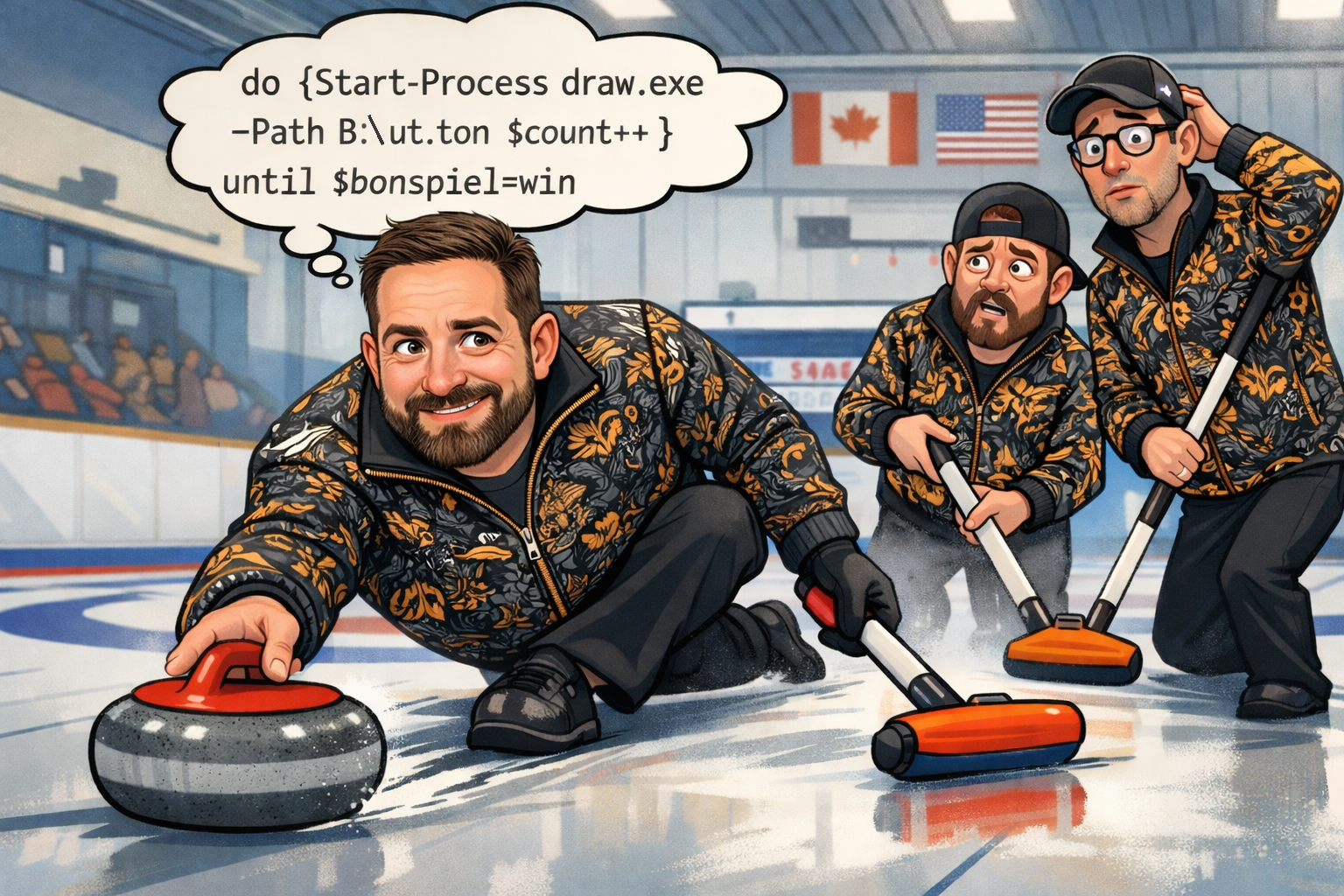
January was a big month for endpoint management, and Michael Niehaus was right in the thick of it — as you'd expect. Fresh off the holidays he confirmed the tolling of bells for MDT. Its journey into oblivion is complete with the removal of installer files from the Microsoft Download Center. As a follow up, Michael published a complete (abridged) history of MDT, a fitting tribute to a tool that shaped OS deployment for many years, written by the person in the middle of it all. Putting his encyclopedic knowledge of MDT on fully display, Niehaus also posted a detailed technical follow-up on the MDT security vulnerability that had triggered MDT's "immediate retirement." Michael explained how the exploit works, how hard it would actually be to patch (not very, it turns out), and offered practical mitigations for anyone still running MDT.
Looking on the bright side, if you are looking for a bare-metal provisioning and OS deployment MDT replacement, DeployR is here for you (and yes, there will be a free Community Edition soon). To learn more about DeployR you can (what else!) check out Michael’s blog where he has published a fantastic introductory guide to DeployR across a series of 6 posts:
- Introducing DeployR 1.0
- The core of DeployR: OS images and enabling OS customization
- DeployR makes managing drivers better
- Of course DeployR can install your apps
- DeployR loves Windows Autopilot
- DeployR is built to be secure
- DeployR integrates with the 2Pint Software suite
You may wonder, as we often do here at 2Pint Software, “When does Niehaus sleep?” Possibly never, because if you’re a lab administrator still running ConfigMgr Tech Preview 2411, which hit its own expiry countdown, Niehaus has something for you too. With the ConfigMgr team having shifted to an annual release cadence, Michael explained the practical implications (including the bumpy reinstall experience) and provided specific SQL Server Broker cleanup steps for anyone navigating the same situation.
Gary's sharing OS deployment expertise too...
Having transitioned fully into a DeployR evangelist role, Gary Blok hit the ground running on garytown.com in January with an energetic series of DeployR-focused posts. He kicked things off with a post making his case for DeployR as the natural successor to MDT — framing it not just as a like-for-like replacement but as a genuine step forward, particularly for anyone hosting their deployment server in Azure and wanting native peer-to-peer content distribution out of the box. That same day he shared a collection of custom DeployR step definitions he has built to extend the product's out-of-the-box capabilities. These are community-built addons (not officially supported), but Gary has a track record of building things that work, and he is often happy to assist anyone who asks nicely.
Gary followed that up with a practical script for backing up and restoring DeployR task sequences and content. The script connects to the DeployR server, prompts for what you want to back up, and handles the transfer — useful for migrating between environments or just keeping things safe. Gary's pro tip: skip backing up OS images and driver packs (use the Apply Cloud OS and Apply Cloud Drivers steps instead) to keep backup sizes manageable. All scripts are on his GitHub.
Gary and Mike Terrill kicked off our 2026 webinar series on OS deployment in February. In DeployR: Getting Started they introduced DeployR as a bare-metal provisioning OS deployment solution and MDT replacement.
Check out the webinar recording to have Mike and Gary guide you through getting the essentials in place for making your DeployR OS deployment successful, including: managing boot media options, adding drivers and certificates, creating your first task sequence, modifying the settings in the Config Editor, and configuring security options, and logging.
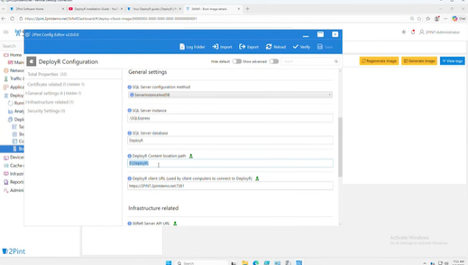
In Drivers and DeployR, Mike and Gary covered how to upload driver packs using the dashboard, dynamic download and injection, manually setting a specific driver pack during the task sequence, and much more.
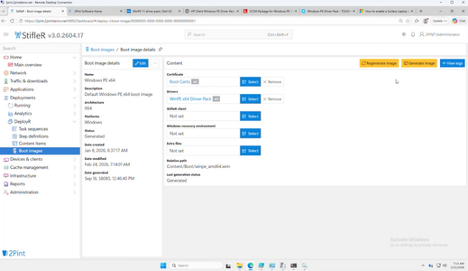
Check our webinar schedule to make sure you don’t miss upcoming opportunities to learn from our experts and ask them questions in a live session.
Johan's got PowerShell goodies
Johan Arwidmark published a pair of quick-tip posts on deploymentresearch.com in January focused on Hyper-V lab management. He shared a PowerShell script for migrating Windows 11 VMs with vTPM enabled from one Hyper-V host to another — a process that requires exporting and re-importing the associated Host Guardian Service certificates alongside the VMs themselves, and that is easy to get wrong without a clear guide. The follow-up post covered the complementary task of enabling vTPM on one or more Hyper-V VMs using PowerShell, handy for anyone building or rebuilding Windows 11 lab environments at scale. Both scripts are compact and easy to adapt.
In February, Johan turned his attention to file distribution efficiency, publishing a post on speeding up large file copies across multiple lab machines. He presents two approaches — running multiple parallel background copy jobs (best for smaller labs with a fast file server uplink) and a fan-out tree copy (better for larger fleets or where the file server connection is the bottleneck). Scripts for both are available on his GitHub. Anyone who has watched a large WIM file crawl across a lab network will appreciate this one.🖥️🐌🖥️🐌🖥️🐌🖥️
Endpoint management event circuit
Also in February, Andreas Hammarskjöld and Michael Niehaus connected in western Europe for two key events. At WPNinjasNL Connect 2026 Michael presented Old-time OS deployment for the "modern" customer.
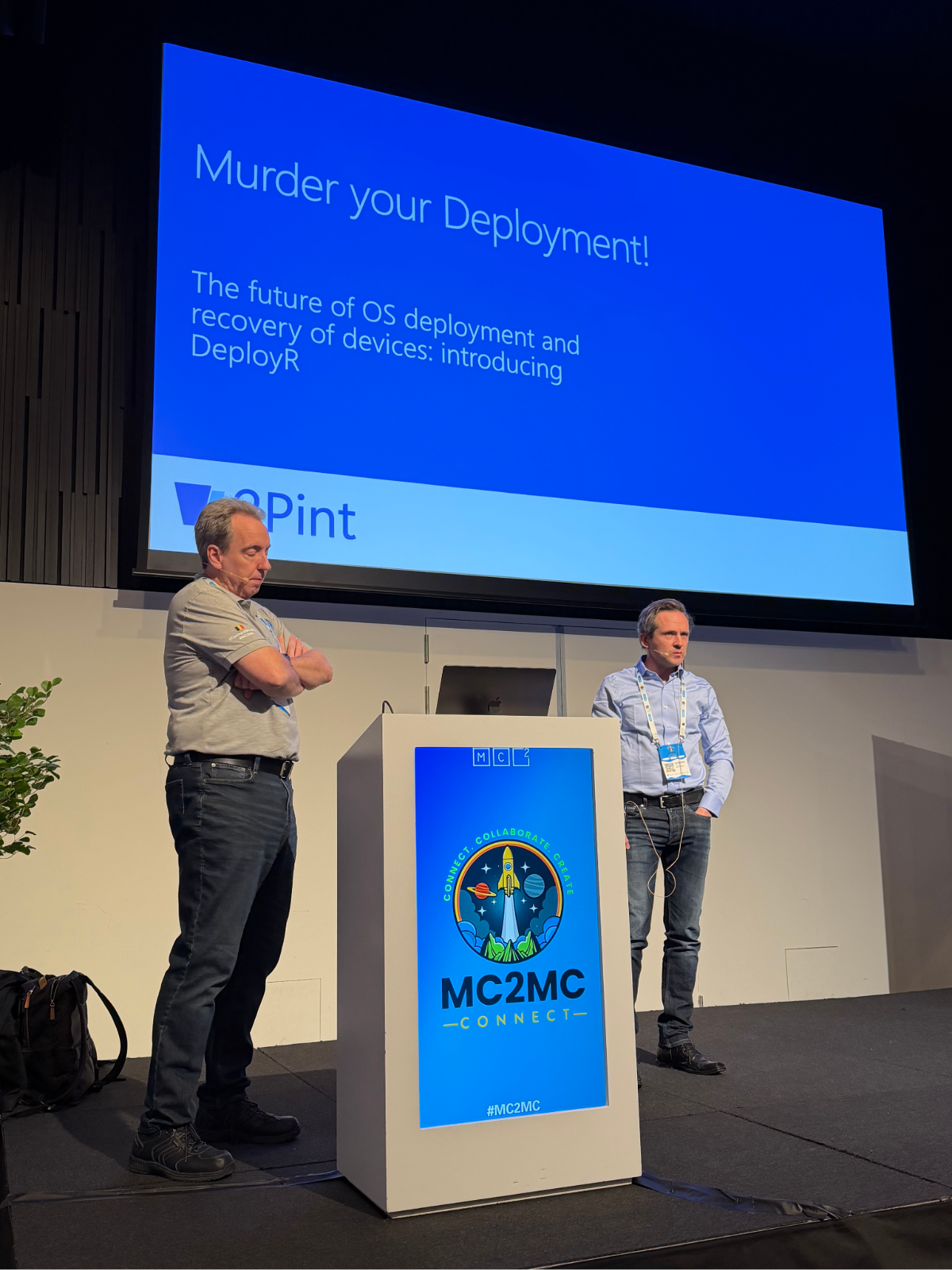
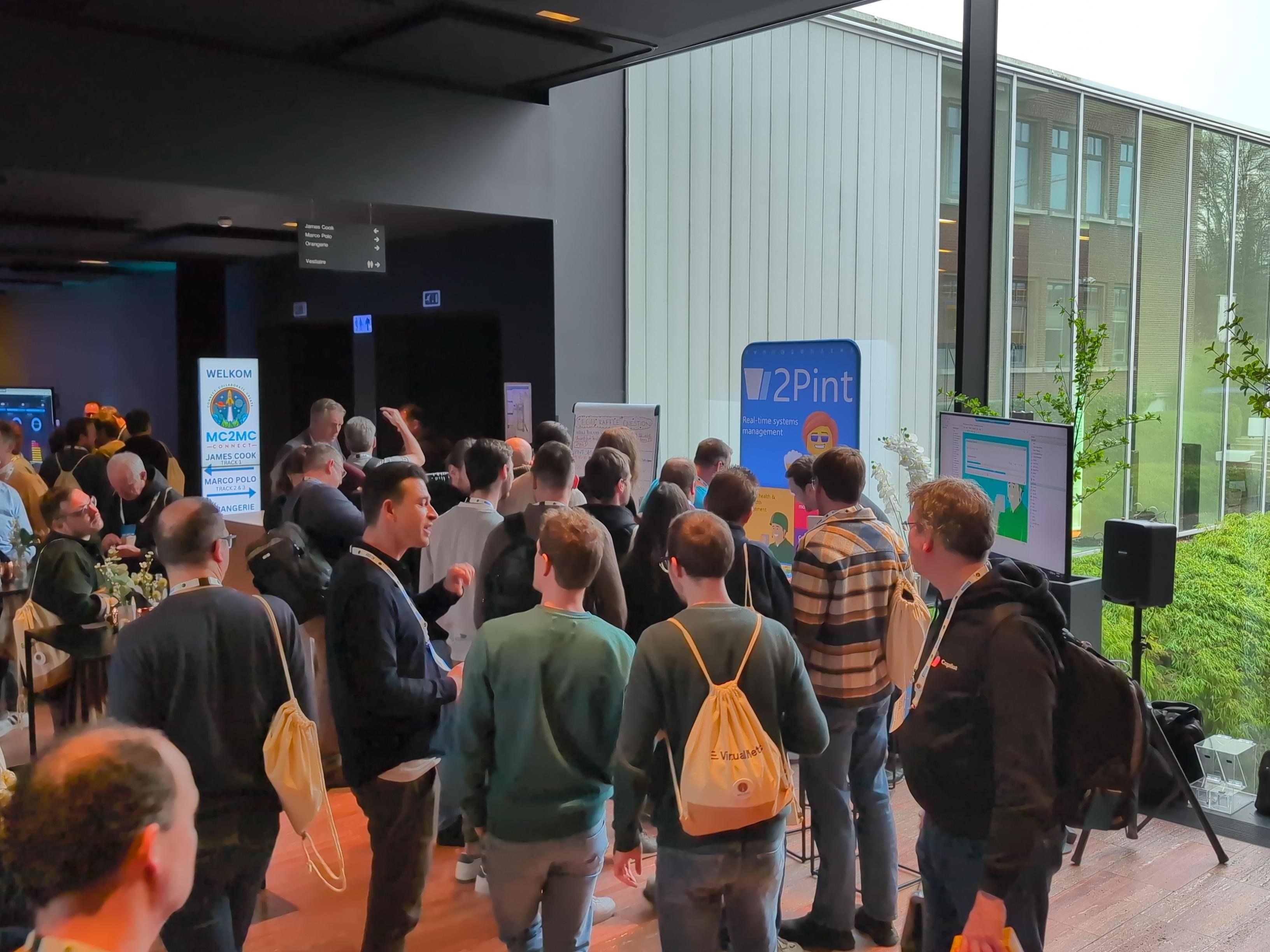
A contingent of 2Pinters met them in Antwerp for MC2MC Connect where Andreas and Michael's talk Murder your Deployment! The future of OS deployment and recovery of devices: introducing DeployR had attendees dying 🤣for a sneak peak at our newest product.
MMS 2026 at MOA is coming up May 3–7 in Bloomington, Minnesota, and Brian Mason and the MMS team have been busy finalizing the schedule. 2Pinters will be out in numbers, so check our events page for a list of scheduled talks. The conference will once again be held at the Radisson Blu. The Early Bird and Door Buster discounts have been exhausted, but an education discount is available for eligible attendees. A second 2026 event — the MMS 2026 Midway Edition — is also confirmed for October 25–28 at the Manchester Grand Hyatt in San Diego. If you have been to MMS you know what to expect; if you haven't, it's a can't miss event for anyone working in endpoint management, configuration, and deployment. Be sure to stop by the 2Pint Software booth, say hello, and snag some swag!
Looking ahead
With MMS MOA just around the corner in May, and the 2Pint Software events calendar filling up, it is shaping up to be a well-travelled spring for our crew. Keep an eye on the 2Pint Software events page for the latest on where to catch up with us in person.
Thanks for reading!
Top Posts
2Pint Software and Omnissa partnership: Closing the gaps in OS deployment, bare-metal imaging, bandwidth optimization, and endpoint recovery
2Pint Software blog roundup - early summer 2026 edition
2Pint Software blog roundup - spring 2026 edition
By Ranjith Lewis
By David Meurer
By David Meurer
By Andreas Hammarskjöld